Troubleshooting Common Issues
Expired Credential
Each credential has a defined validity period. Once this period ends, the credential becomes expired and can no longer be used. Expired credentials are marked with a red ellipse labeled “EXPIRED.”
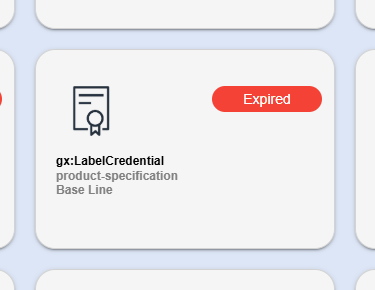
To get a new credential, contact the LEAR of your company; if you are the LEAR, open a ticket to the support ticketing system to ask for a new credential.
Camera Not Activating for QR Scan
If the camera does not activate when you attempt to use the Scan QR function, follow these troubleshooting steps to resolve the issue:
Navigate to Settings
- Within the DOME Wallet app, navigate to the Settings section.
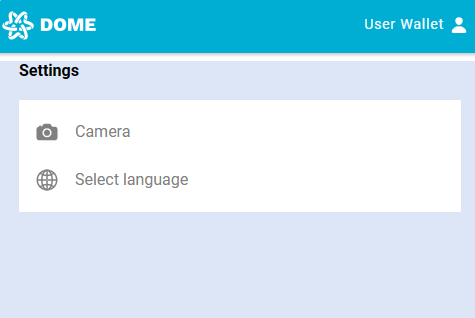
Access Camera Settings
- Find and select the Camera option to configure your camera settings.
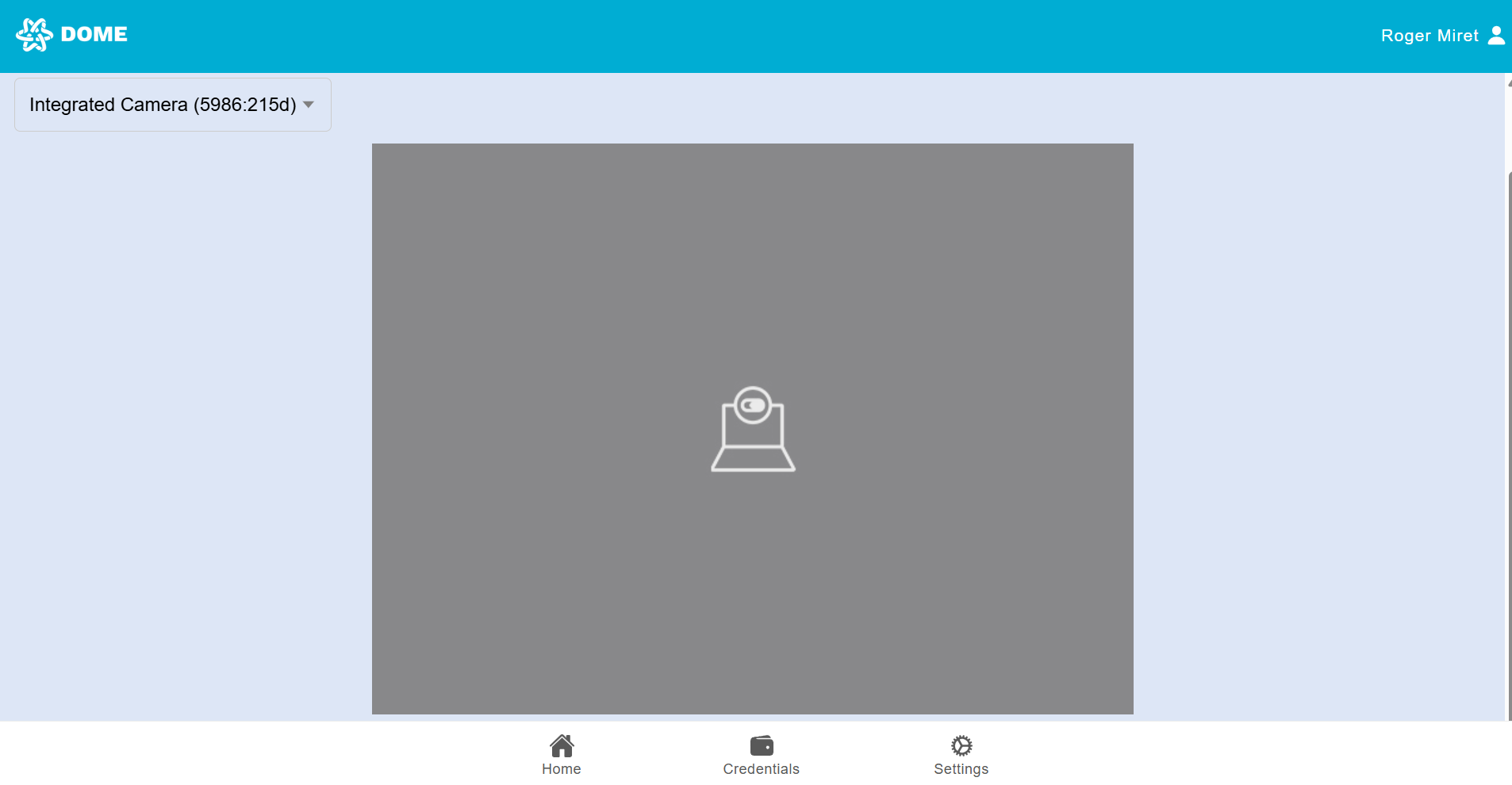
Select Your Camera
- Choose your preferred camera for QR scanning. If you have more than one camera, you may need to select which one to use.
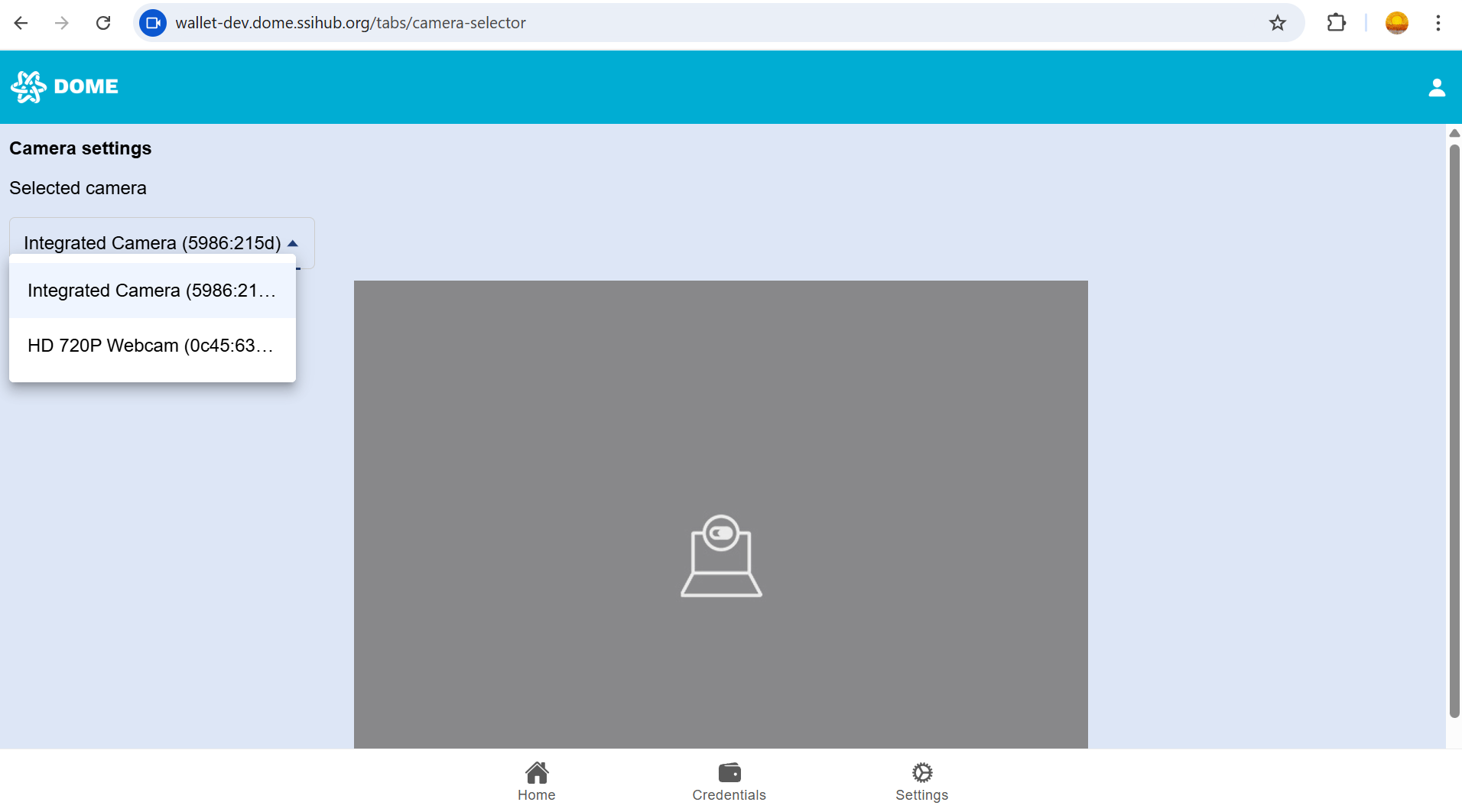
Ensure Camera Permissions are Enabled
- Make sure the DOME Wallet app has the necessary permissions to access the camera in your device's settings.
- On Android: Go to Settings > Apps > Your Browser Permissions and ensure the Camera permission is enabled.
- On iOS: Go to Settings > Privacy > Camera, find Your Browser and ensure the toggle is enabled.
Retry QR Scan
- Return to thehome screen by clicking the "Home" tab and try to scan the QR code again.
Reset Camera Permissions (Optional)
- If the issue persists, you can try resetting your camera permissions:
- Go to your device's App Permissions settings.
- Find the DOME Wallet app and remove the camera permissions.
- Reopen the app and grant camera permissions again when prompted.
Restart Your Device
- If the problem continues, try restarting your device. This can refresh system processes that may be preventing the camera from functioning correctly.
Update Your Browser
- Ensure that you are using the latest version of your browser. Check your app store for any available updates, as newer versions may include fixes for known issues.
Check for System Updates
- If your device's operating system is outdated, it may cause compatibility issues. Check for any available system updates in your phone's settings and install them if necessary.
Contact Support
- If none of these steps resolve the issue, you may need to open a ticket for further assistance (https://ticketing.dome-marketplace.eu).
By following these steps, you should be able to resolve any issues with the camera not activating for QR code scanning.