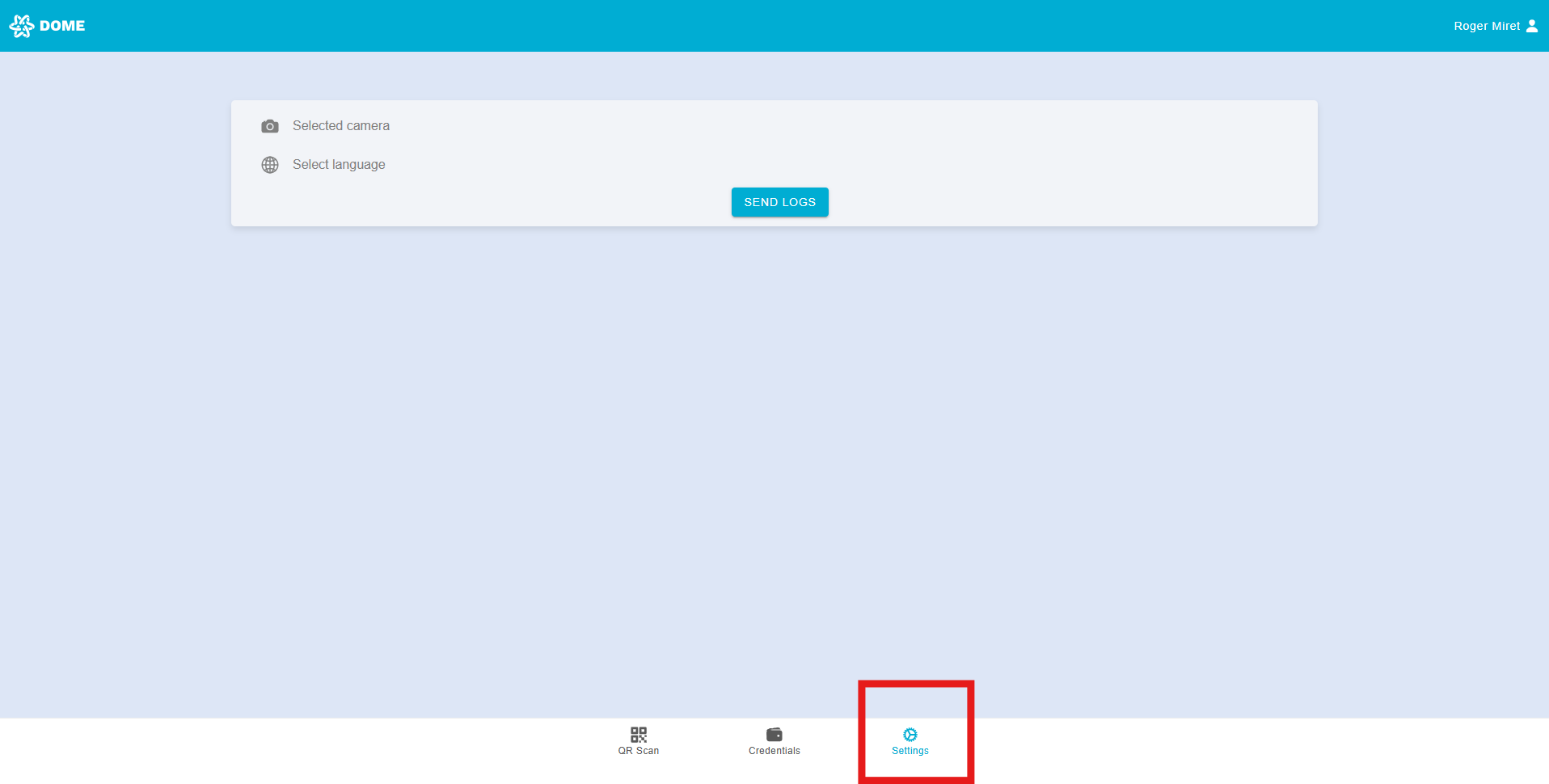
Wallet Settings
You can access the "Settings" tab by clicking or tapping on the "Settings" button below:
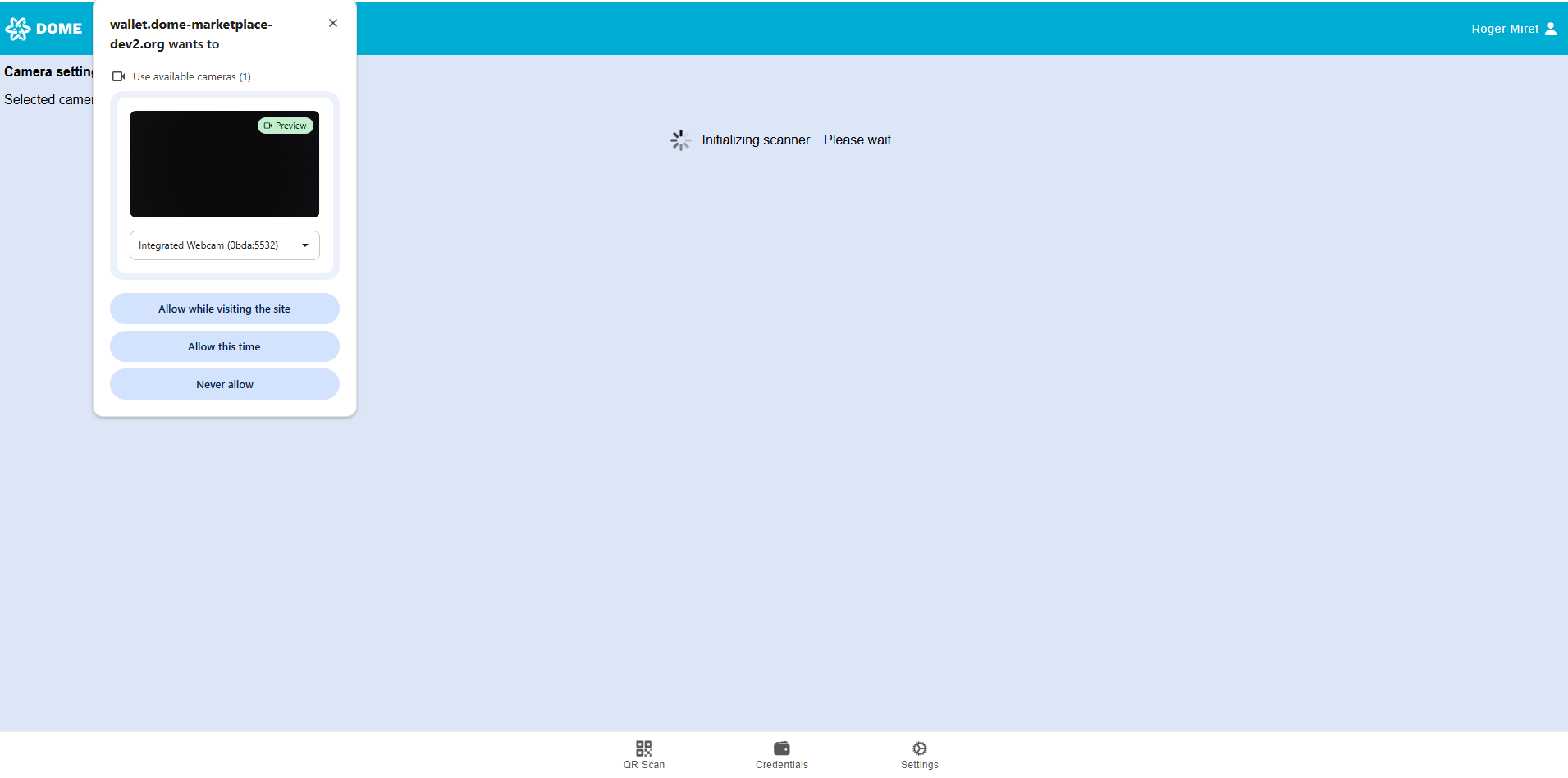
Select camera
You can choose which camera the Wallet should use. If prompted, make sure to grant the necessary permissions.
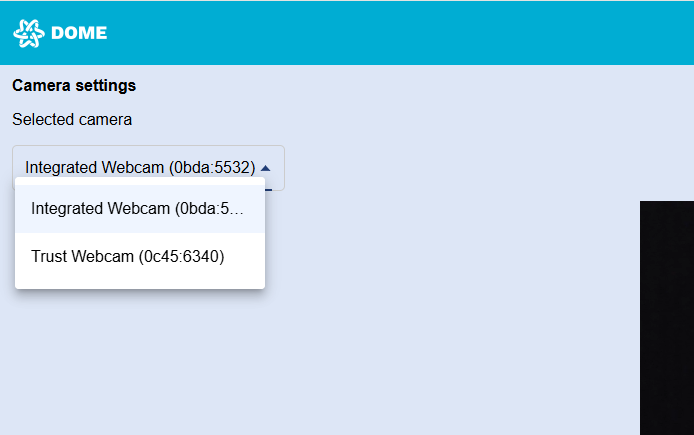
By deploying the selector you will see all the available cameras on your device. After a small loading time, the selected camera will be set.
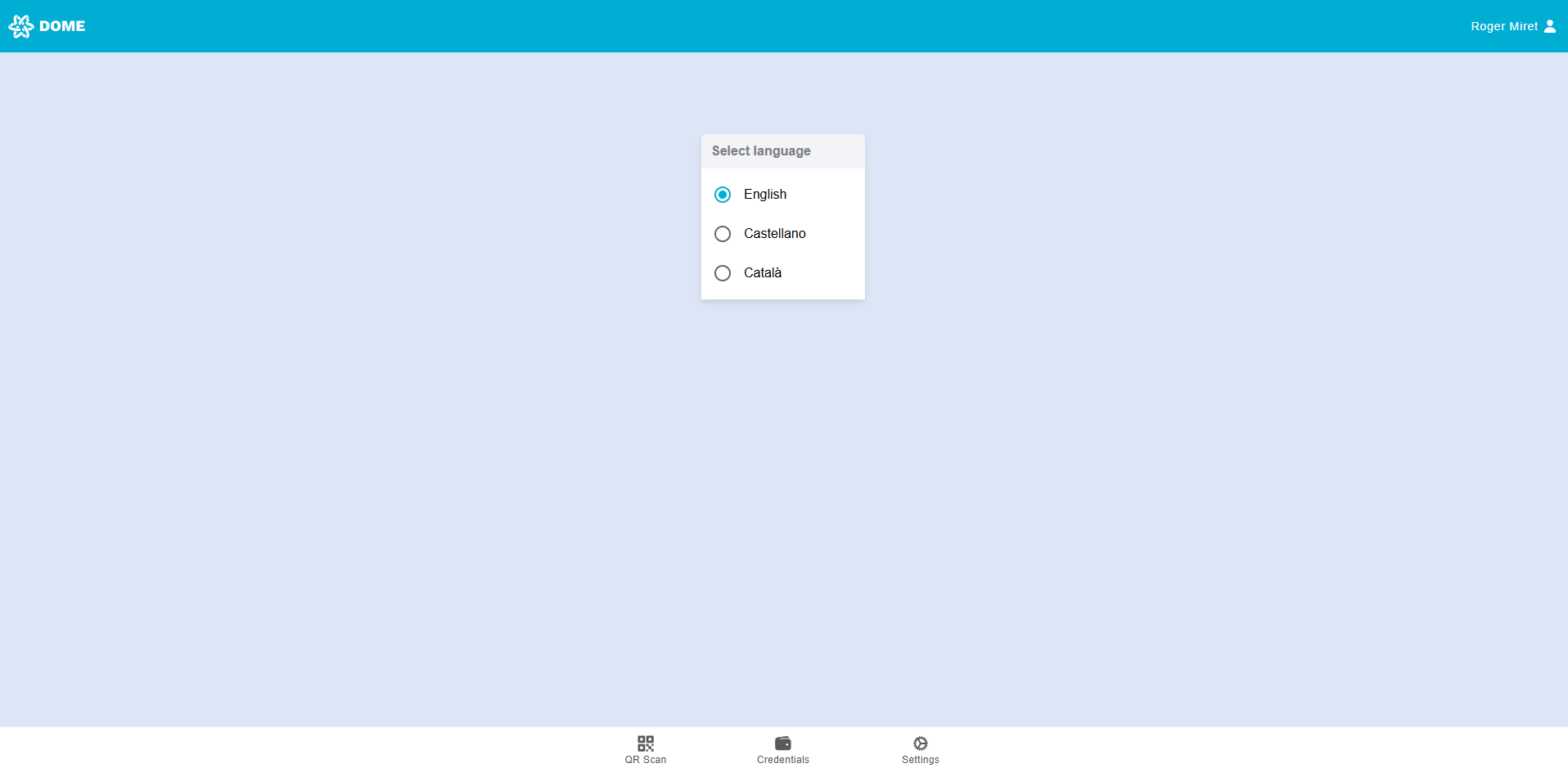
Select language
Changing Language: You can change the language of the wallet interface by going to the settings and selecting your preferred language. Currently, the wallet supports English, Spanish, and Catalan.