Login into the Credential Issuer
*If you have problems to login even after following this guide, you can read the Troubleshoot guide. If that doesn't solve your problem, open a ticket in the Ticketing Support System.
-
Access the Credential Issuer
-
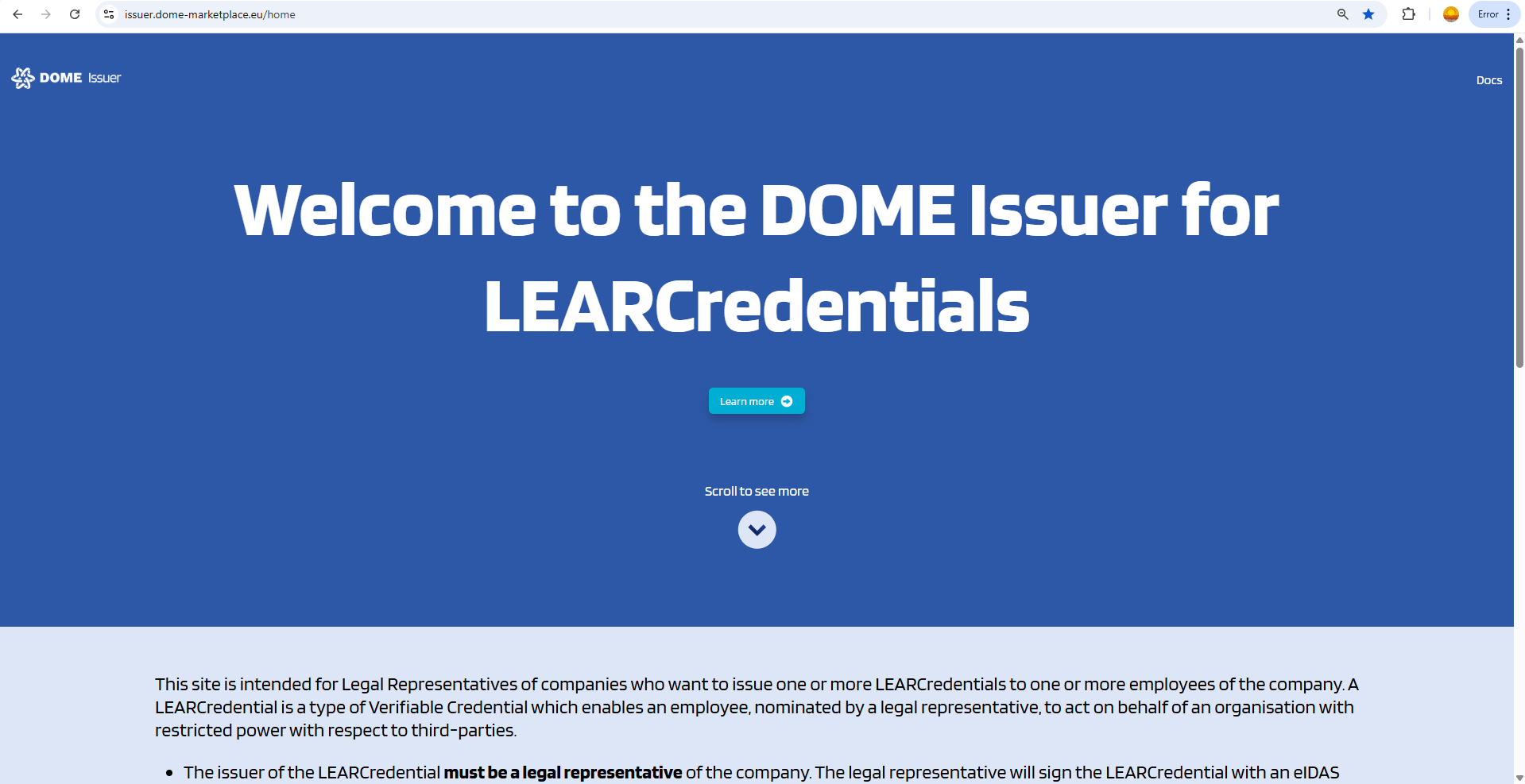
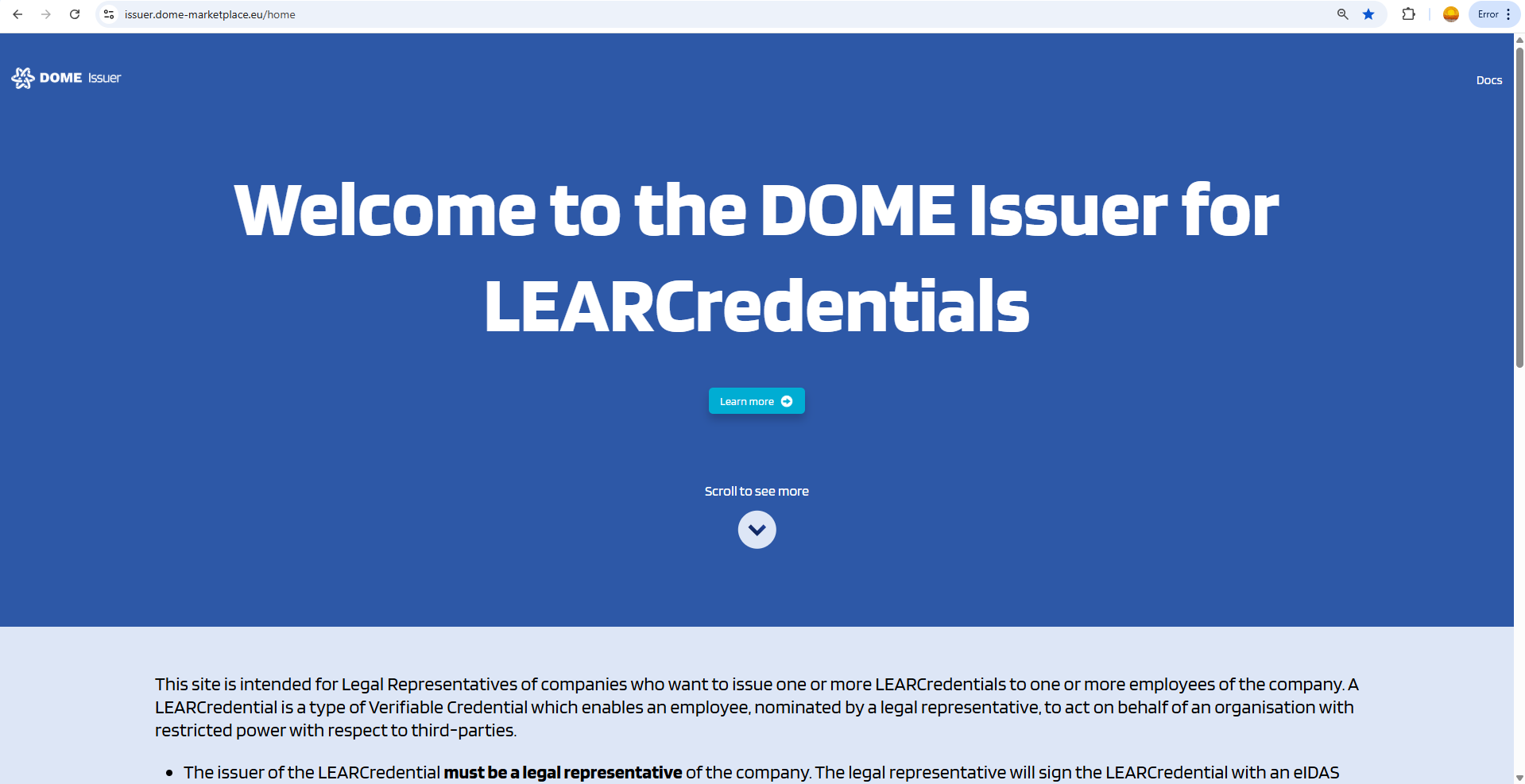
Visit the DOME Issuer by clicking on the following link: DOME Issuer.
-
-
Access the Login
-
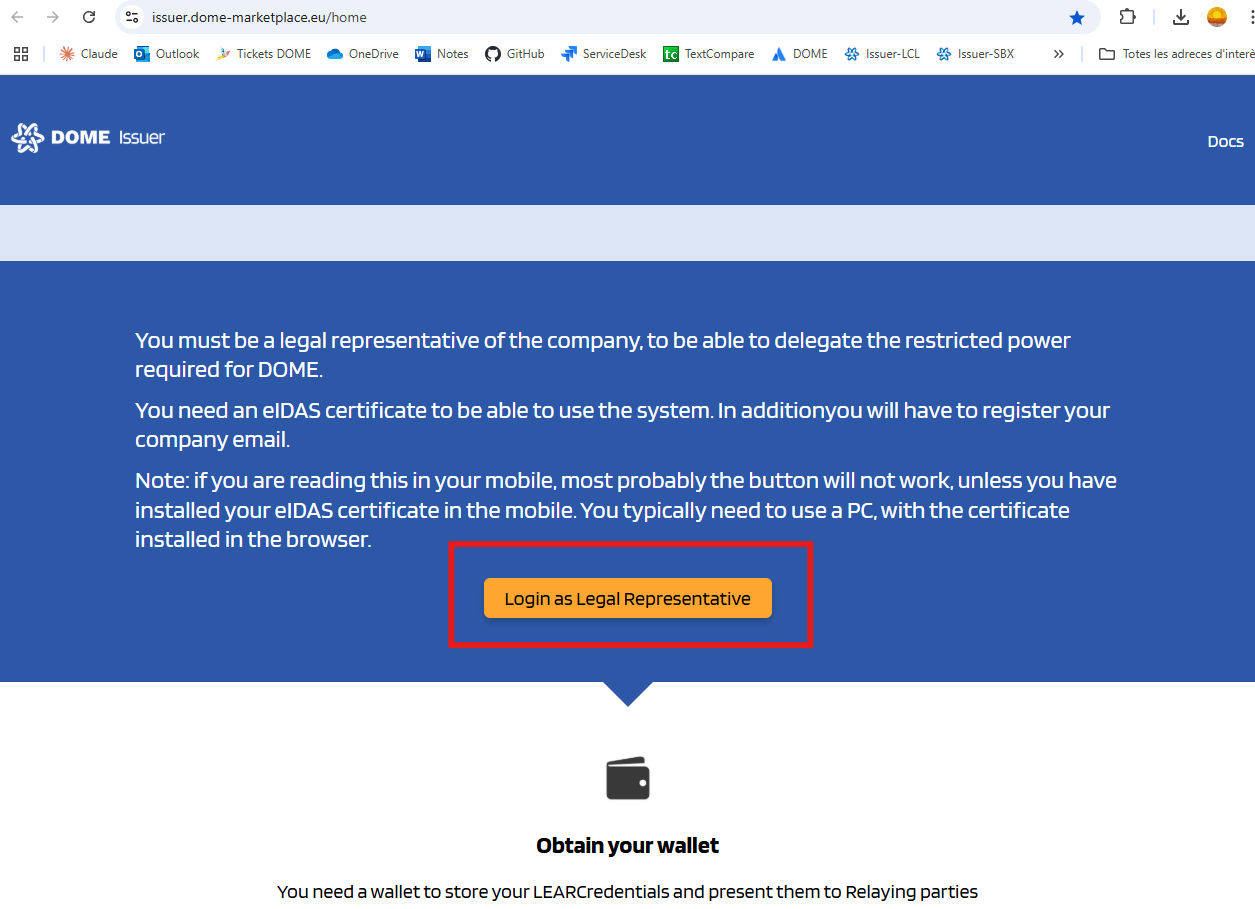
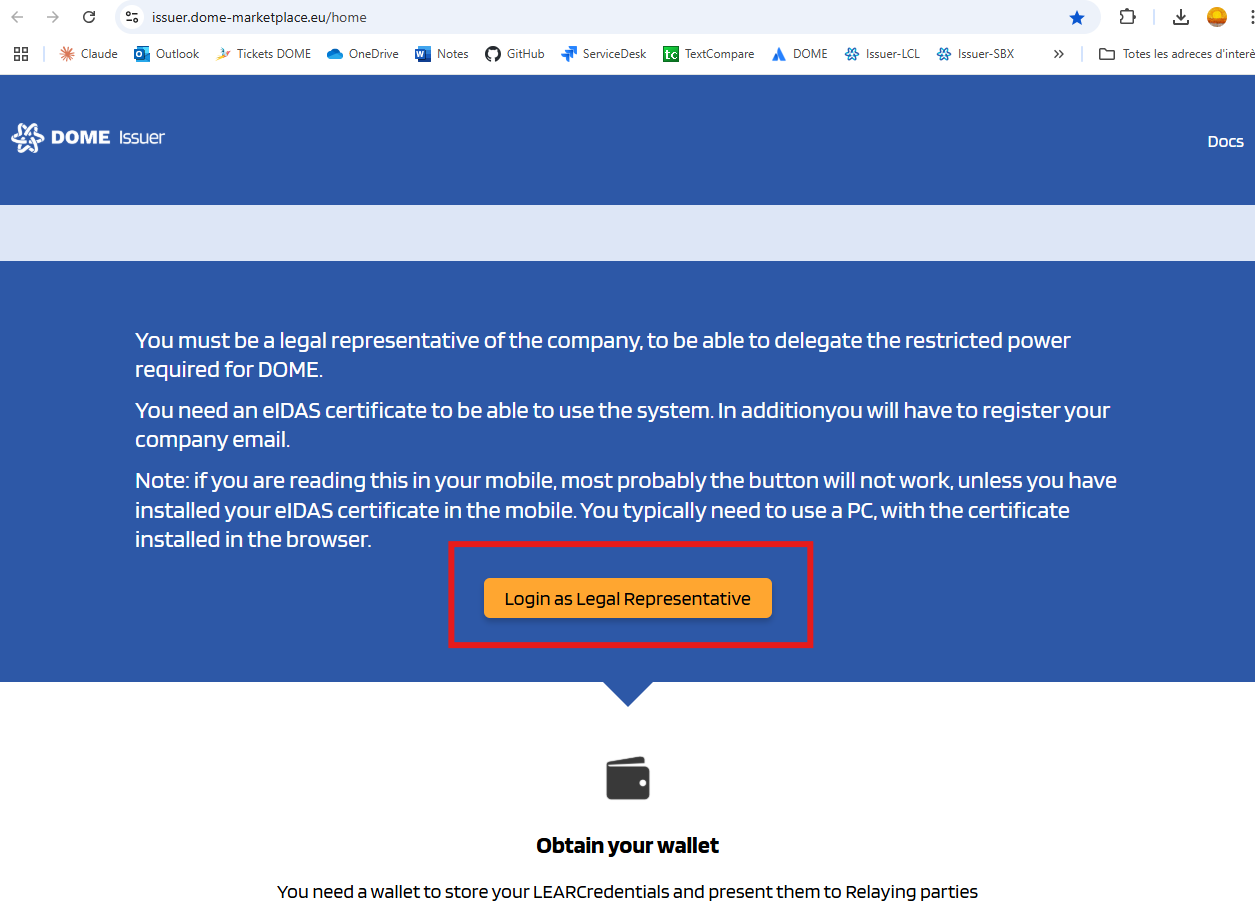
Scroll down to the "Login as Legal Representative" button
-
-
Log In.
-
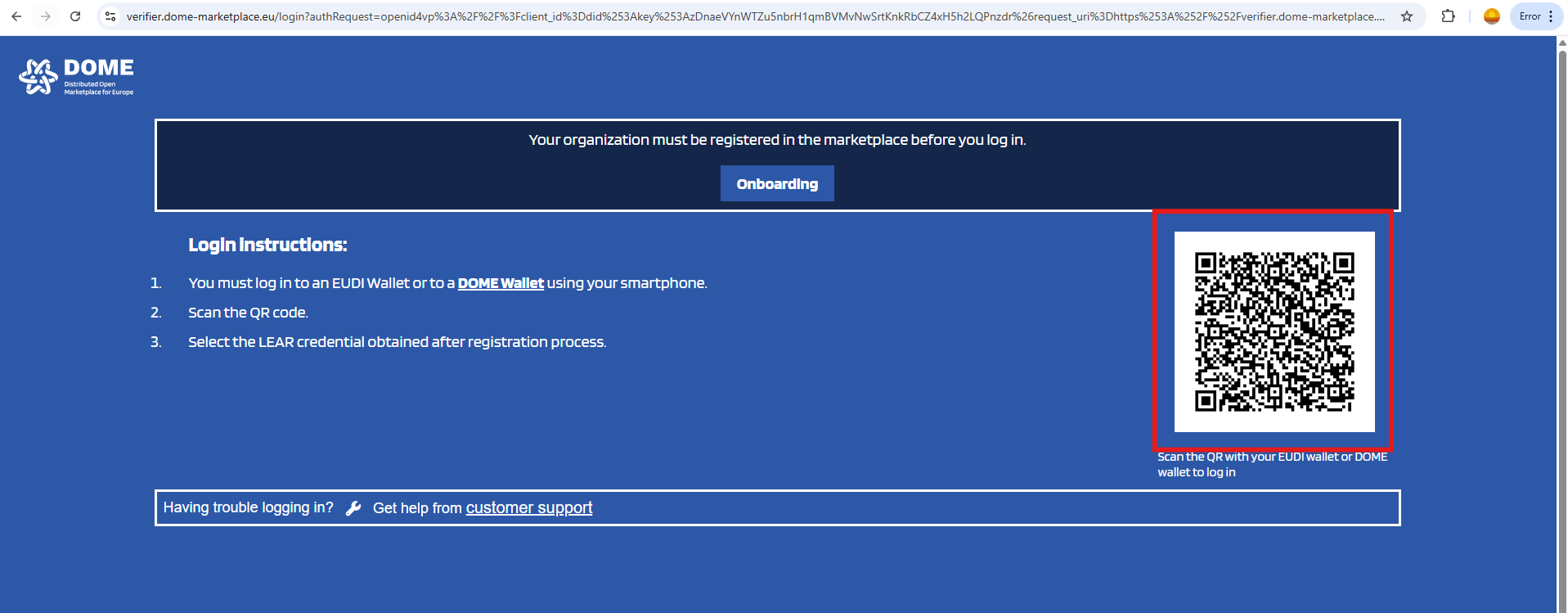
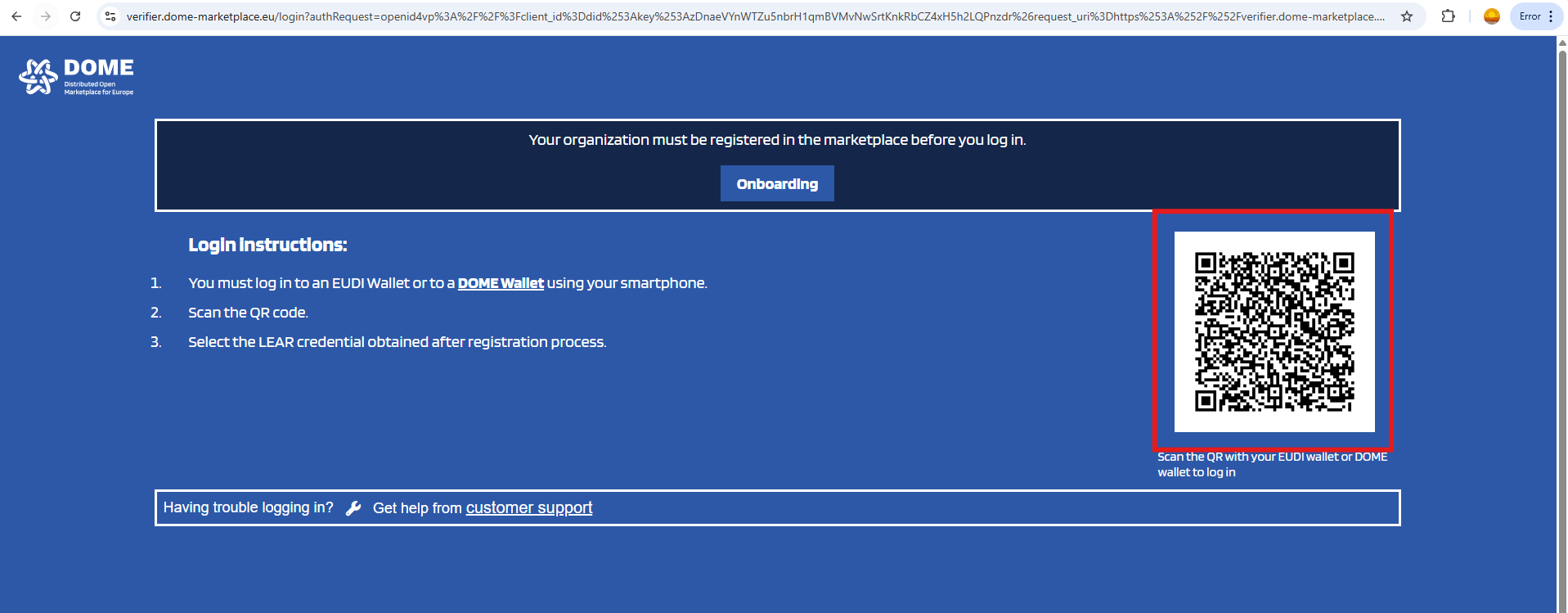
Scan the QR with the DOME Wallet. and send a credential.
-
-
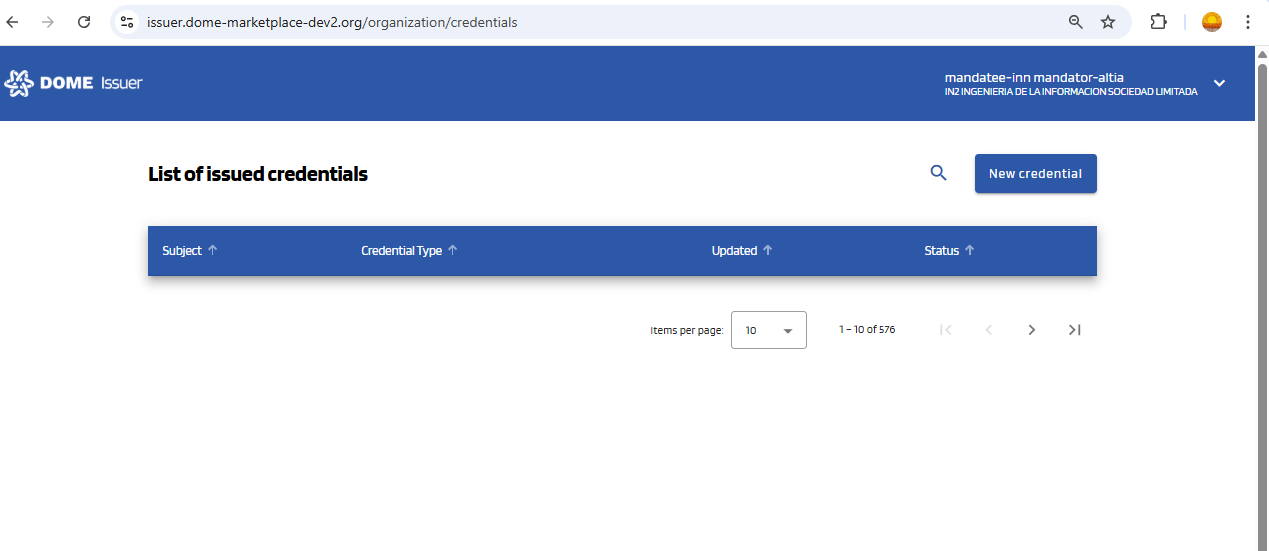
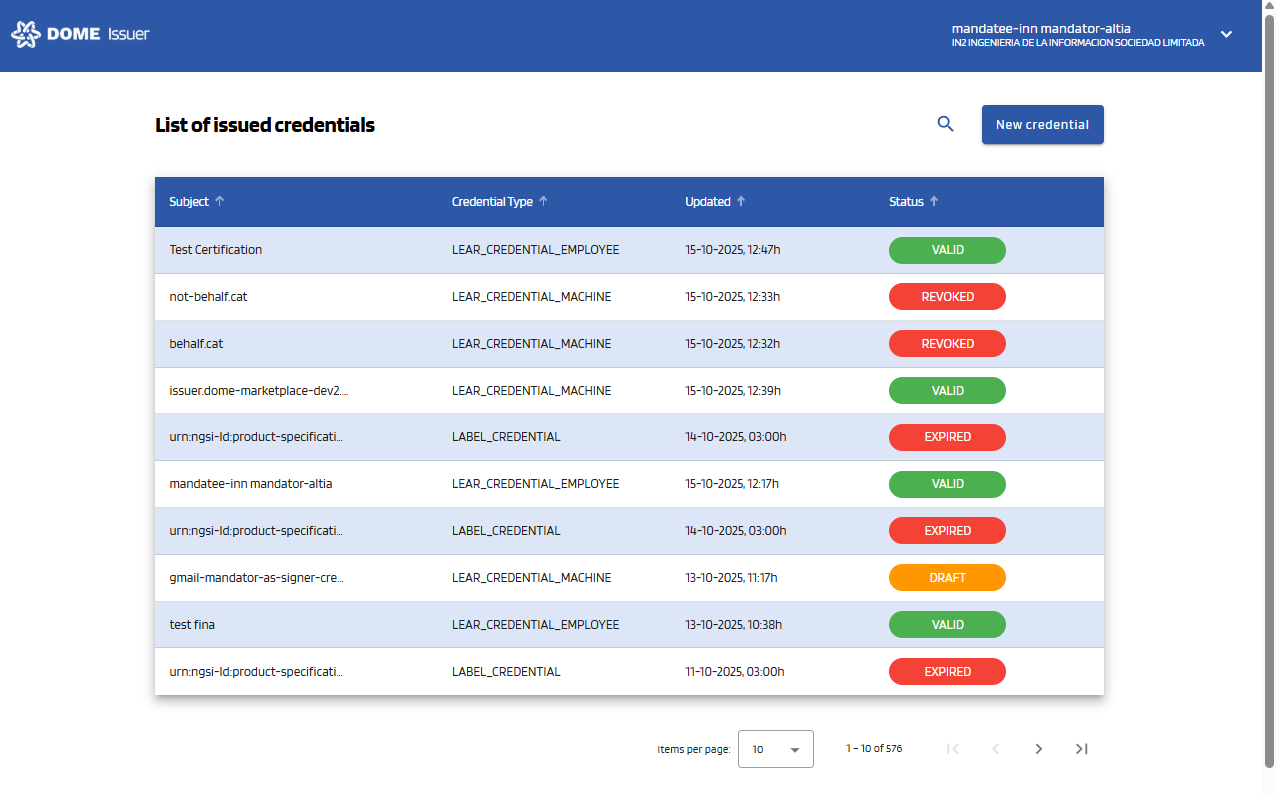
You will enter the issued credentials list view
-
In the initial view you can see all the credentials that your organization has issued:
-
-
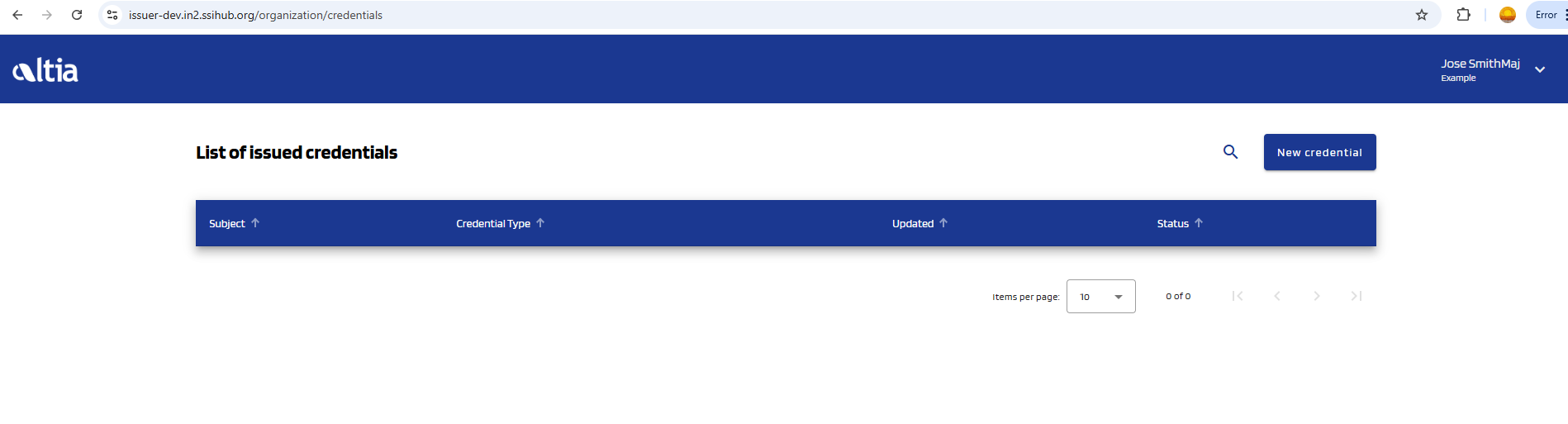
- If your organization hasn't issued any credentials, the table will be empty:
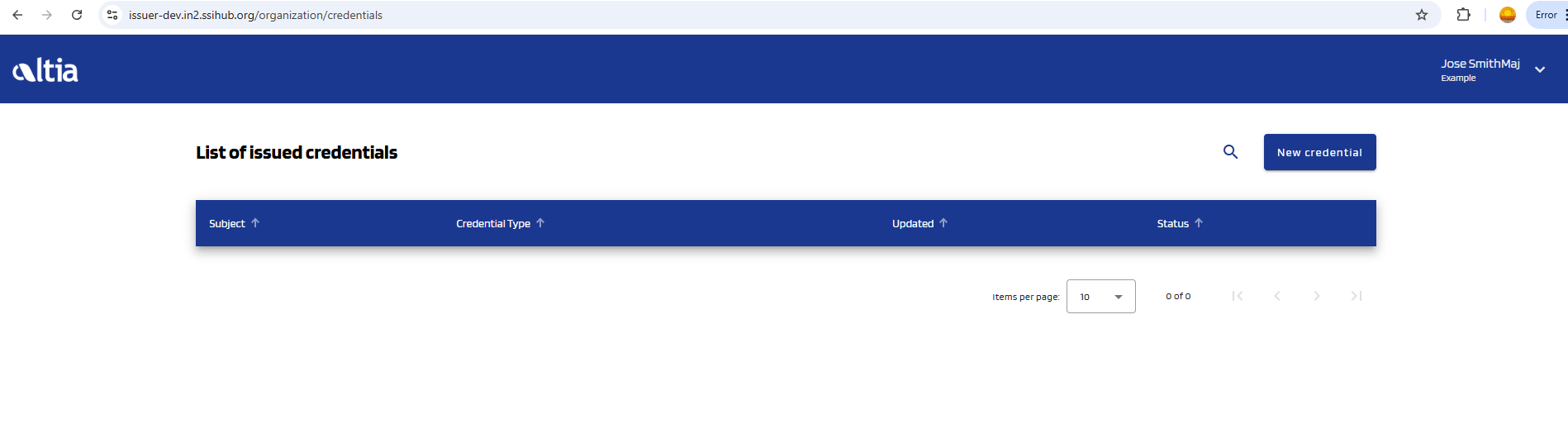
- If your organization hasn't issued any credentials, the table will be empty: