
2. Issuance Validation: LEAR Credential Machine
The second step is to validate that we currently have a LEAR Credential Machine at our disposal. To do this, we must confirm that we have access to the Wallet and see if our credential has been downloaded.
If you do not have access or do not have the required credentials, please review the credential issuance guide .
Once we have our issued credentials, we will need to consult the next 3 points:
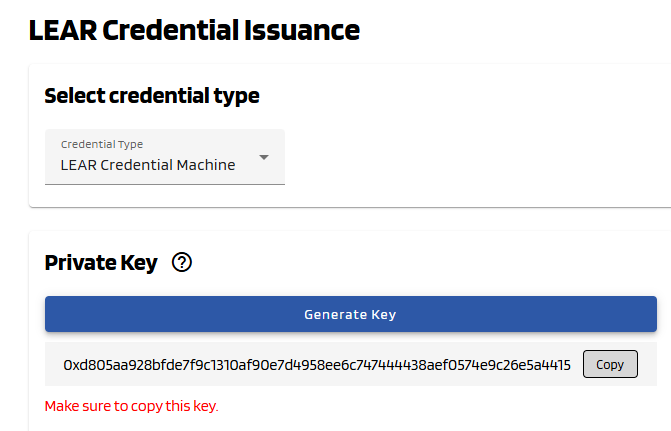
- Private key > This is the key generated during the LEAR Credential Machine issuance process . It is important to save it, as we will need it later.
Image when we issued a new LEAR Credential Machine
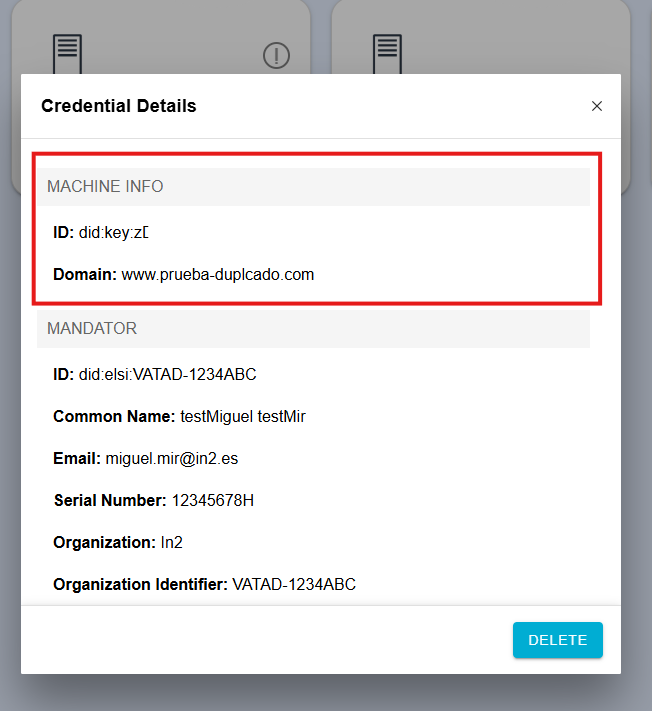
- DID key > Auto-generated key at the time of creation that identifies the machine.
After downloaded your credential, you can view your info
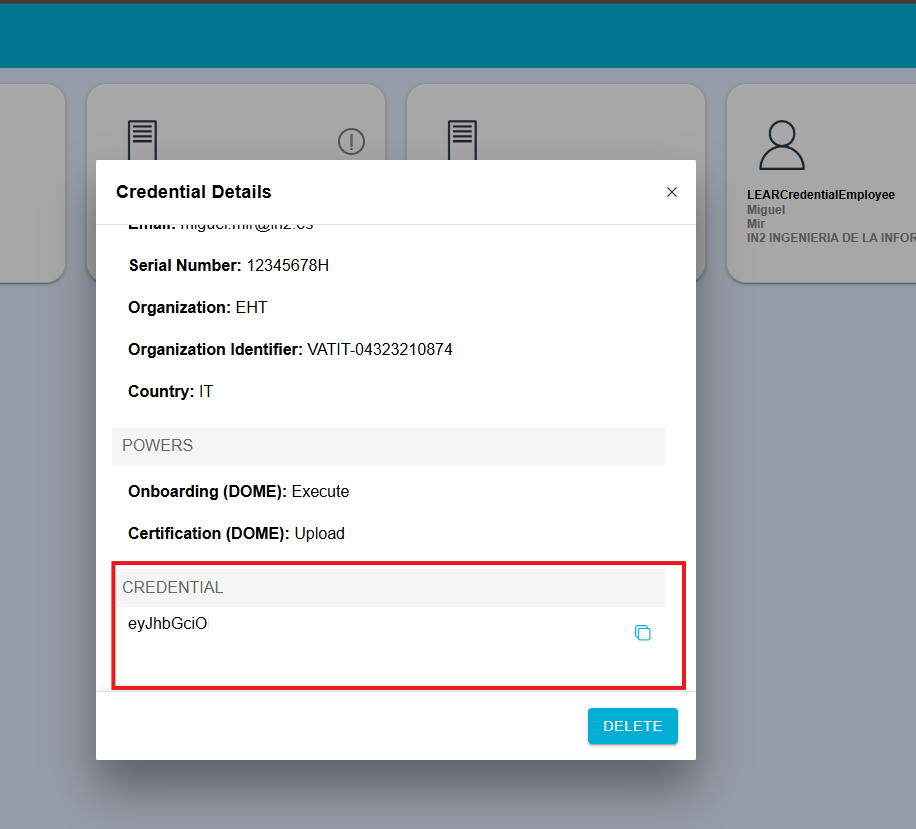
- LEAR Credential > Auto-generated token that identifies your credential. You could find it at the bottom of your machine info.
No Comments